How to create Instagram Stories ads
October 28, 2026 · instapv.com.co
How to create Instagram Stories ads. A Stories ad is a paid frame that appears between organic stories in the Instagram tray. It is created in Meta Ads Manager, or boosted from a professional account, and it is labeled as sponsored. It is not a trick for hiding who viewed a story, and it is not something instapv.com.co runs for you. The viewer on this site only opens public profiles. Buying reach is a separate job that happens in Meta’s own ad tools, with a payment method on your business account.
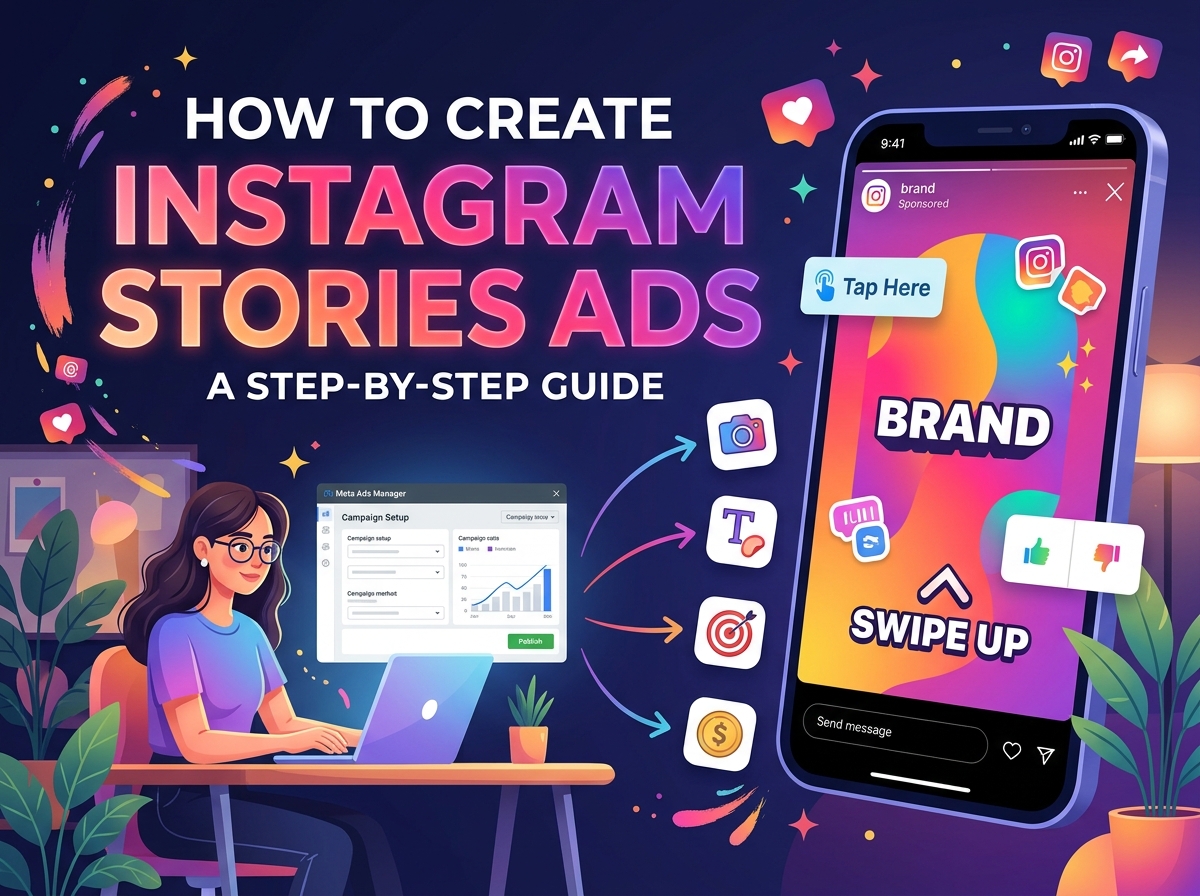
Pick a goal
Start with a goal you can name. Traffic to a site, messages, app installs, and video views are common objectives. The objective changes which buttons the ad can show. Pick it before you design the picture, because a “Shop now” button on a brand that cannot take an order is a wasted tap. Connect the Instagram account to a Facebook Page if Ads Manager asks for that link. Business settings are where the account, the page, and the ad account meet. Use an account you control. Do not paste a client’s password into a personal profile to “borrow” their ad account.
The creative is vertical. Stories are a tall, full-screen placement, close to a 9:16 frame. Keep text inside the safe area so the username at the top and the buttons at the bottom do not cover the offer. Short clips tend to hold a thumb better than a minute of logo animation. Many advertisers cut a story ad well under fifteen seconds, then let the viewer tap forward. Show the product, the line, and the action in that order. If you have a longer film, cut a story version. Do not drop a landscape feed video into the story slot and hope the crop is kind.
Turn on the Stories placement
In Ads Manager, create a campaign, turn the Stories placement on, and check that you are not accidentally running only on the feed. Automatic placements can work, but look at the preview for the story slot before you publish. Add the primary text, the headline if the placement uses one, and a call to action that matches the objective. Set a budget you can pause. A story ad can spend quickly because the tray is a habit people open often. Start with a cap, read the results the next day, and raise the budget only if the cost per result is one you accept.
Audience choices are the same honest limits as the rest of Meta’s ads. You can target by location, age, and interests Meta offers. You cannot upload a private follower list you scraped, and you should not try. Custom audiences that Meta allows, such as people who already visited your site and accepted the proper notices, are set up in Ads Manager under their own rules. Read the current advertising standards before you mention health, credit, or housing. Those categories have tighter rules, and a clever caption will not exempt the ad.
After the ad is approved
After the ad is approved, it can appear for people who do not follow you. They will see a sponsored label. Organic stories you post yourself are separate and still expire in about a day. The ad runs until the budget or the end date stops it. You can pause it without deleting the campaign. Keep the comments setting in mind. Story ads can collect replies. If you are not ready to answer, plan for that before the first click.
Checking a competitor’s public story is not the same as copying their ad. You can look at a public profile on instapv.com.co to see what they are posting today, including the time on each tile. You still have to build your own creative, your own offer, and your own campaign. Do not download their story and run it as your ad. That is their work, and an ad account can be restricted for it.
A tidy launch is a vertical file, a true objective, a story placement you have previewed, a budget you can stop, and copy that fits the safe area. Publish from Ads Manager. Leave viewer sites out of the billing. When the campaign is live, judge it on the result you named at the start, not on how many friends said they saw it once.